
Phone charging port repair & clean in Ormskirk
Having to prop your phone at an angle just to charge? We diagnose and fix iPhone Lightning, USB-C, and micro-USB ports right on Aughton Street. From fast lint micro-extraction to full daughterboard replacement.
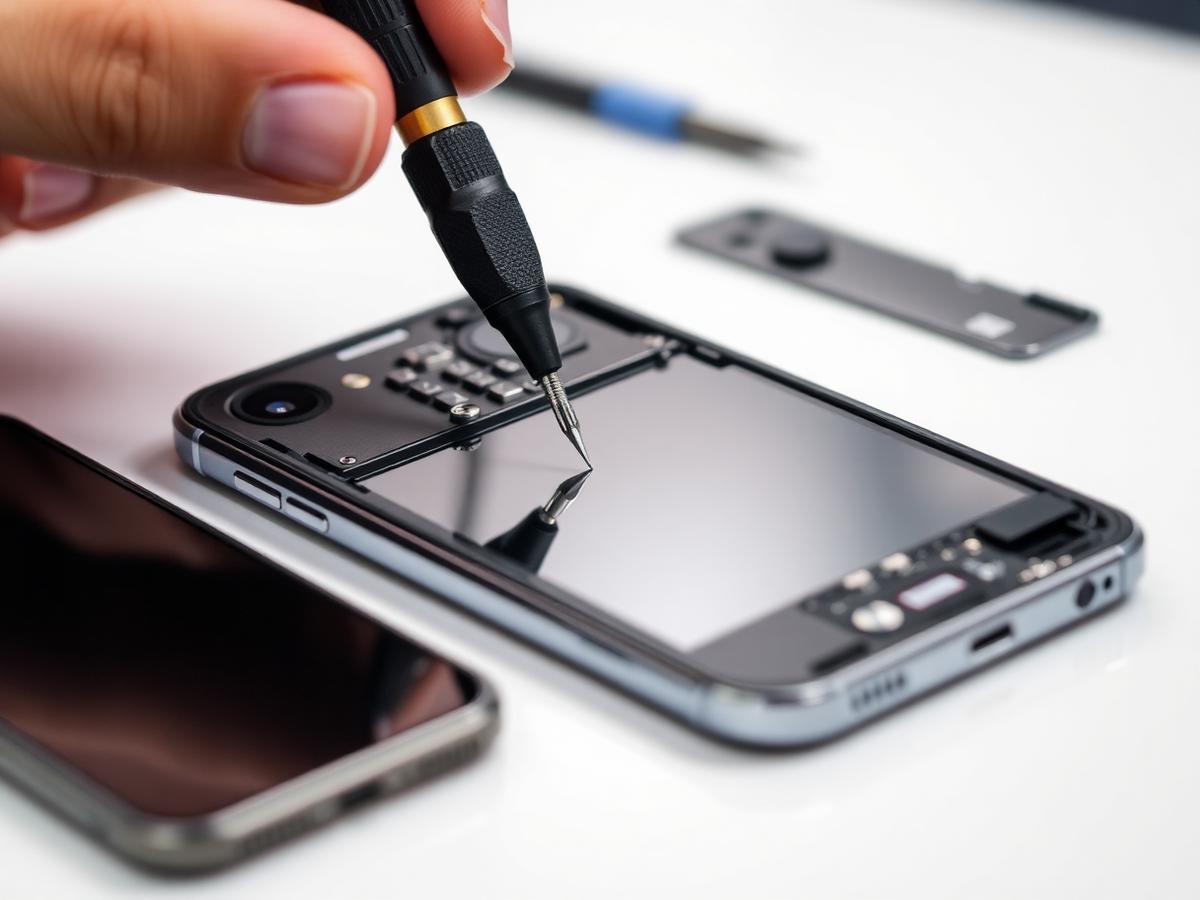
Clean vs replace: honest diagnostics
We never charge for replacement parts if a professional micro-clean solves the fault.
Scenario 1: Pocket Debris Blockage
Carrying your phone in jeans or bags naturally compacts tiny fibres and dust deep inside the narrow port cavity. Eventually, the cable cannot reach the pins.
Scenario 2: Damaged Pins or Solder Joints
Trip hazards, sudden cable tugs, liquid exposure, or probing with metal pins can snap internal contact tines or crack solder traces on the board.
Signs of a faulty or obstructed charging port
Experiencing any of these common power issues with your smartphone?
Loose Cable / Won't Click In
The charging cable wiggles loosely or pops out with the slightest movement, usually caused by compacted lint blocking the bottom locking latches.
Must Hold at an Angle
Charging only works when you prop the cable up or push it in a specific direction. Indicates either debris padding or fatigued internal spring pins.
No Power or Intermittent Cutoffs
Phone repeatedly connects and disconnects every few seconds, or completely fails to draw power from any tested cable or wall adapter.
Microphone or Speaker Issues
Lower voice call microphones and speaker connections are built directly onto the charging port ribbon. Physical port damage can take these down too.
Our 4-step port service workflow
Careful diagnostics under magnification before any repair work commences.
Magnified Inspection
We illuminate and inspect the port under high magnification to check for compacted lint vs physically bent contact pins.
Amperage Metering
We measure incoming voltage and milliampere draw using digital inline USB power analysers to verify circuit health.
Debris Extraction or Swapping
Non-conductive lint extraction or clean replacement of the charging dock flex/daughterboard assembly.
Full Handshake Test
We verify bi-directional USB connection, fast-charge protocol negotiation, audio output, and call microphones.
What to bring for your charging port check
- Your usual cable & adapter (Helpful): Helps us test whether the issue lies in your lead, plug, or the phone itself.
- No backup needed for cleans: Microscopic cleans do not require disassembling your device.
- Screen passcode: Allows us to test fast-charging battery notifications and call microphones.
Clear & upfront pricing
If your charging port merely has compacted lint that can be removed safely under magnification, we keep the charge minimal. If an internal flex ribbon or sub-board replacement is required, we quote an exact price before fitting any components.
Charging port FAQs
Frequently asked questions about smartphone charging issues and port repairs.
01Does my phone definitely need a new charging port or is it just dirty?
In many cases where a charging cable falls out or has to be held at a specific angle, the root issue is simply compacted pocket lint at the bottom of the port preventing the plug from seating fully. We inspect your port under magnification first. If a clean clears the issue, you don't pay for an unnecessary replacement.
02Can I clean out my charging port myself with a needle or paperclip?
We strongly advise against using metal pins, paperclips, or needles. Metal objects can easily short circuit live battery contact pins inside the port, permanently fry the motherboard power IC (Tristar/Hydra chip), or snap delicate connector pins. Our technicians use non-conductive anti-static tools and microscopic magnification.
03How long does a charging port repair or cleaning take?
A precision port clean takes just 10 to 15 minutes. If pins are bent, corroded, or broken, a full charging port flex or daughterboard replacement usually takes 30 to 45 minutes.
04What are the common symptoms of a broken charging port?
Key symptoms include: the cable falling out or feeling loose, charging only at an awkward angle, slow trickle charging, the phone not being recognised when connected to a computer, or microphone failure during calls (since lower primary microphones are often integrated into the charging port assembly).
05Why is my phone charging slowly even on a fast charger?
Slow charging often occurs when data communication pins inside the port are corroded or obstructed. Modern fast charging protocols (Power Delivery, Quick Charge) require clean digital handshakes between charger and phone to negotiate higher voltages. When disrupted, the phone drops back to slow 5W safety charging.
Related workshop repairs
Fix your charging connection today
Drop by 4 Aughton Street in Ormskirk town centre or message us on WhatsApp for advice.